Interactive travel map
Your interactive travel map, with every place you've been
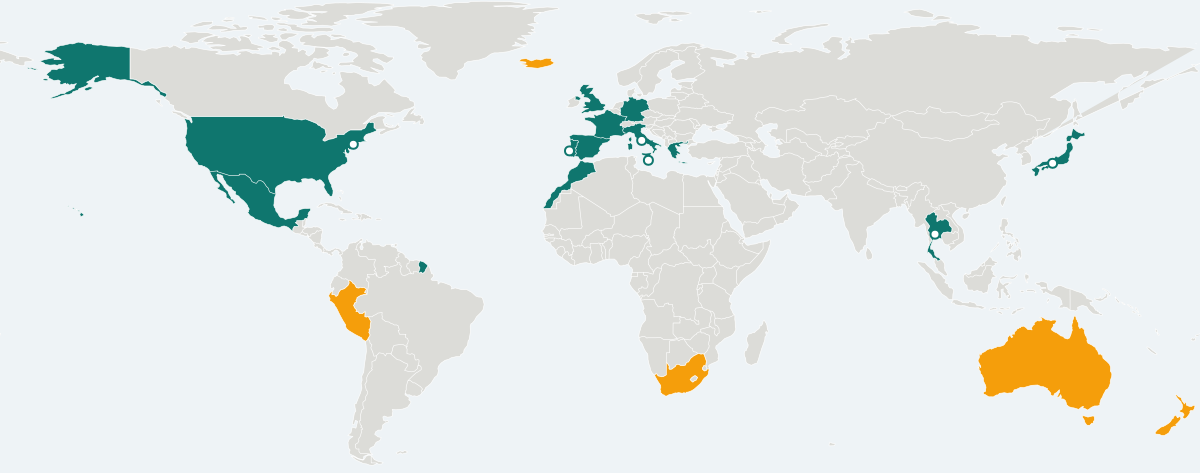
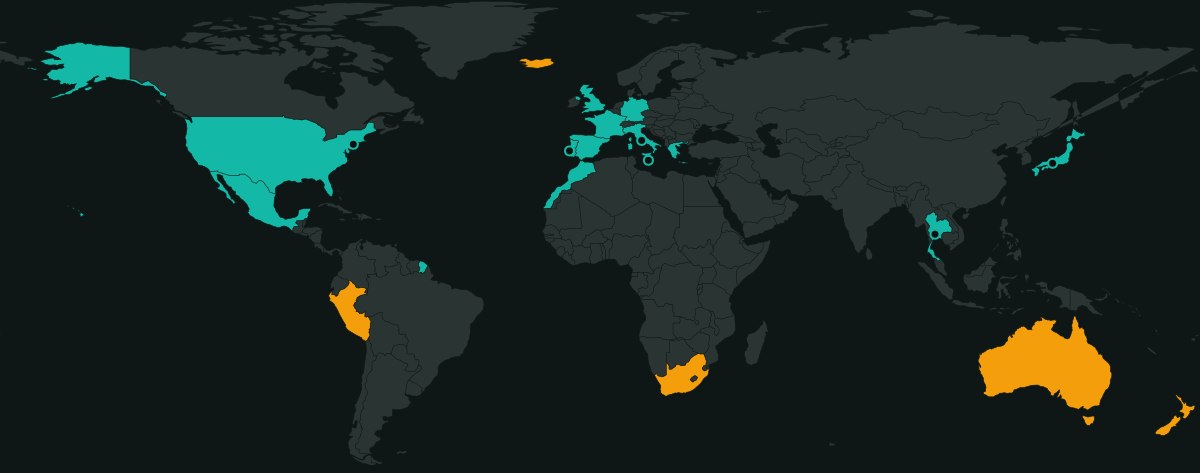
YouVisited turns your travel history into a living world map. Tap a country and it turns green. Add the cities you explored and they appear as pins. Save the places you dream of visiting and they glow amber.
It works on any phone or computer, it's free, and your first map takes about two minutes.
A real map, not a checklist
Most country trackers stop at a list of ticks. YouVisited draws accurate country borders for every nation and territory in the world, so your map looks right whether you zoom out to the whole planet or in to the Greek islands. Tiny countries that are hard to tap — Malta, Andorra, Tuvalu — are easy to find with the search bar, which also finds over 135,000 cities.
Switch between a flat world map and a 3D globe with one tap. On your phone you pinch and drag; on a computer you scroll and click. Hover over any country to see its name.
What your travel map shows
- Every country you've visited, in emerald green.
- Every city you've explored, as a pin on the map.
- Your travel bucket list, in amber — kept apart from places you've actually been.
- A running count of countries, cities, continents and the percentage of the world you've seen.
Tap a country to see your whole history there
Selecting a country opens its story: when you first went, your most recent visit, how many times you've been, which cities you saw and which of your trips passed through. You can add another visit with dates and a note, add a city, put it on your wishlist, or remove it if you ticked it by mistake.
Dates are optional
Don't remember exactly when you went to Prague in 2009? Just mark it as visited. You can add dates and notes later — or never. Multiple visits to the same country or city are recorded separately, so your fifth trip to Italy counts as your fifth trip.
Trips, memories and statistics on the same map
Your map is the centre of everything else in YouVisited. Log a trip with several countries and cities, add photos and stories to your travel journal, and watch your travel statistics and achievements update as you go.
Planning a trip never ticks a country off automatically. When you get home, you choose which destinations you really visited — so your map stays honest, even on shared trips with friends who saw different places.
Share your map — or keep it to yourself
Every traveller gets a public travel profile at a link like youvisited.uk/@yourname, with a preview that looks great on WhatsApp and Facebook. Prefer privacy? Make your profile friends-only or completely private; you can change it any time.
Want to look around first? Try the free countries visited map maker without an account, or browse every country in the world by continent.
Frequently asked questions
Is the YouVisited travel map free?
Yes. The interactive travel map, city pins, wishlist, trips, journal and statistics are all free to use in your browser.
Do I need to download an app?
No. YouVisited runs in any modern browser on iPhone, Android, tablets and computers. You can add it to your home screen so it opens like an app.
Can I see my travel map as a globe?
Yes. Every map has a globe button that switches between a flat world map and a 3D globe you can spin and zoom.
Does planning a trip mark countries on my map?
No. Countries in a trip itinerary stay unmarked until you confirm you actually went, so your map only ever shows places you've really visited.
More from YouVisited
Colour in every country you've been to and see your world percentage.
Pin the cities you've explored, with dates and notes for every visit.
Photos, stories and favourite places on a timeline you control.
Countries, continents, cities, yearly activity and achievements.
Keep a wishlist of countries and cities — separate from where you've been.
Plan and remember trips with friends in one shared journal.
A shareable public map at youvisited.uk/@you — on your terms.
Every place you've been. All in one place.
Free to use, works on any phone or computer, and your map is ready in two minutes.
Get started free